One operational layer for shipment visibility.
GoAndTrack is a provider-agnostic operational layer for smart labels, GPS trackers, BLE tags and condition-monitoring devices — with geofencing, alerting and AI-assisted investigation built in.
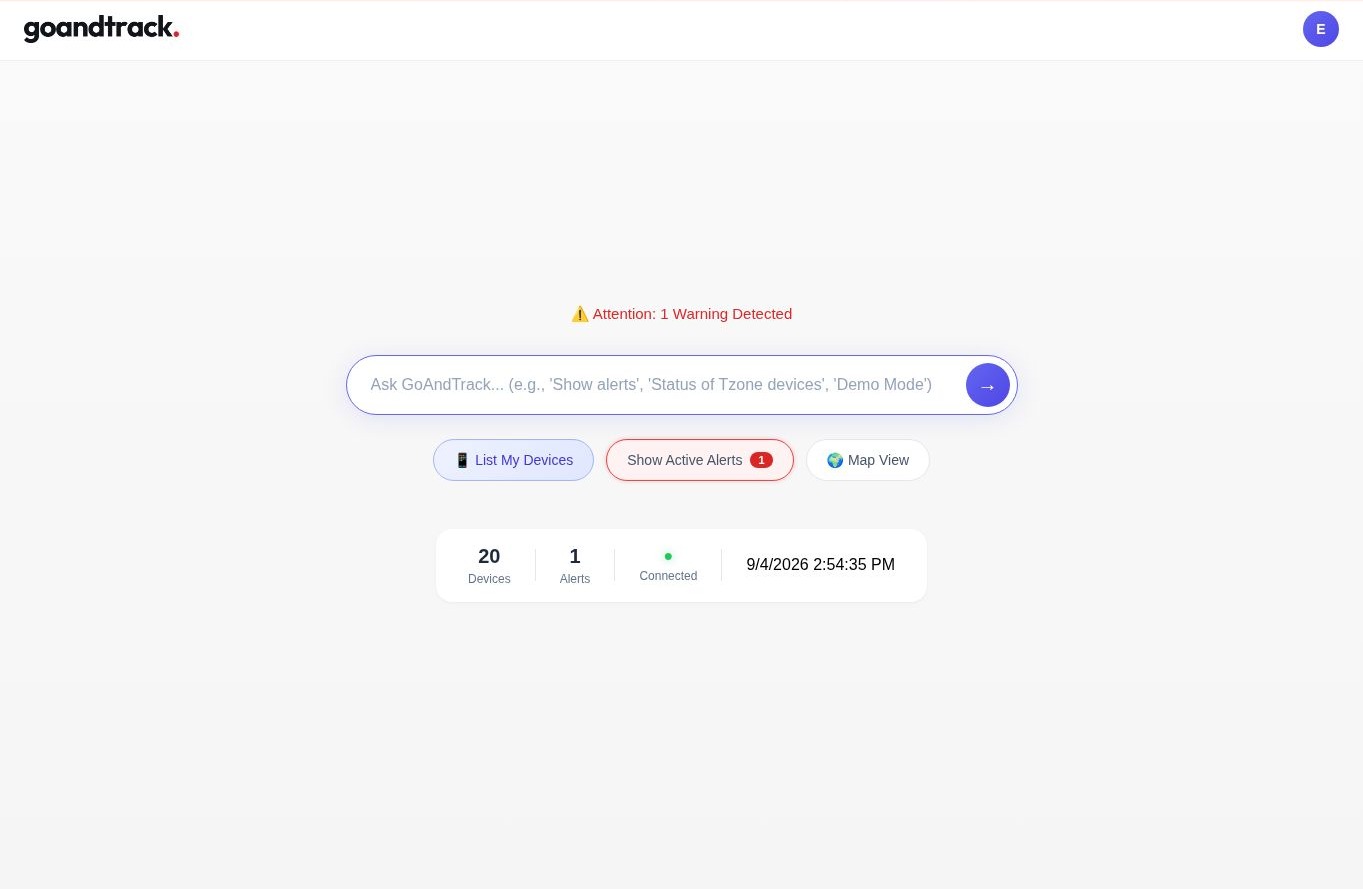
Live visibility — the way operations actually works.
Command Center, Mission Control, geofencing and condition monitoring in one place. AI helps you investigate, it doesn't replace your interface.
Live tracking
Operational map and device list across all connected providers.
Geofencing
Device-level zone rules with entry and exit alerting.
Exception alerts
Configurable alert thresholds and routing for your ops team.
Condition monitoring
Telemetry from capable devices alongside location.
AI-assisted investigation
AI-assisted alert analysis and investigation, with a person deciding.
Team workflows
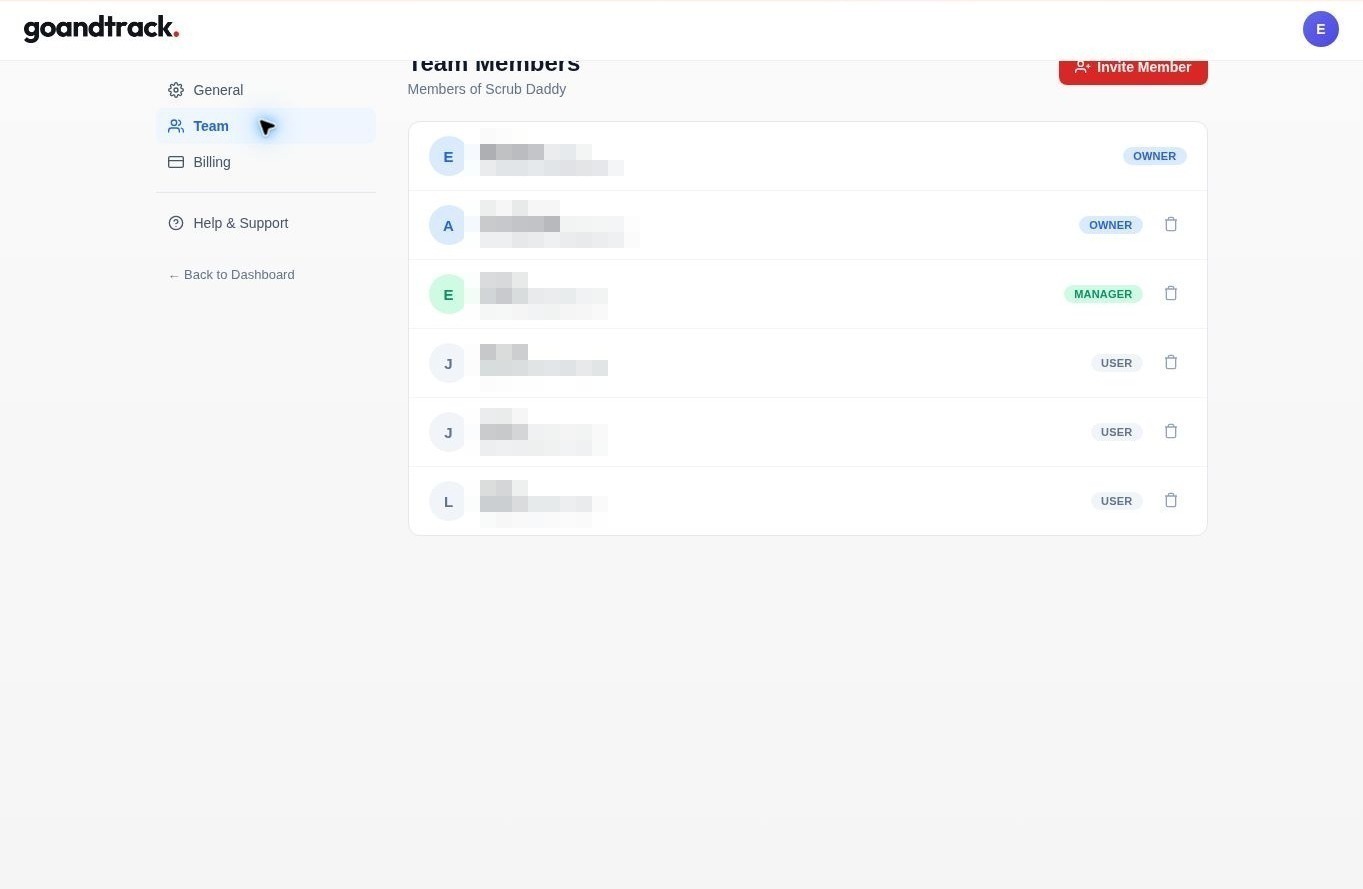
Multi-tenant access with roles for your team and partners.
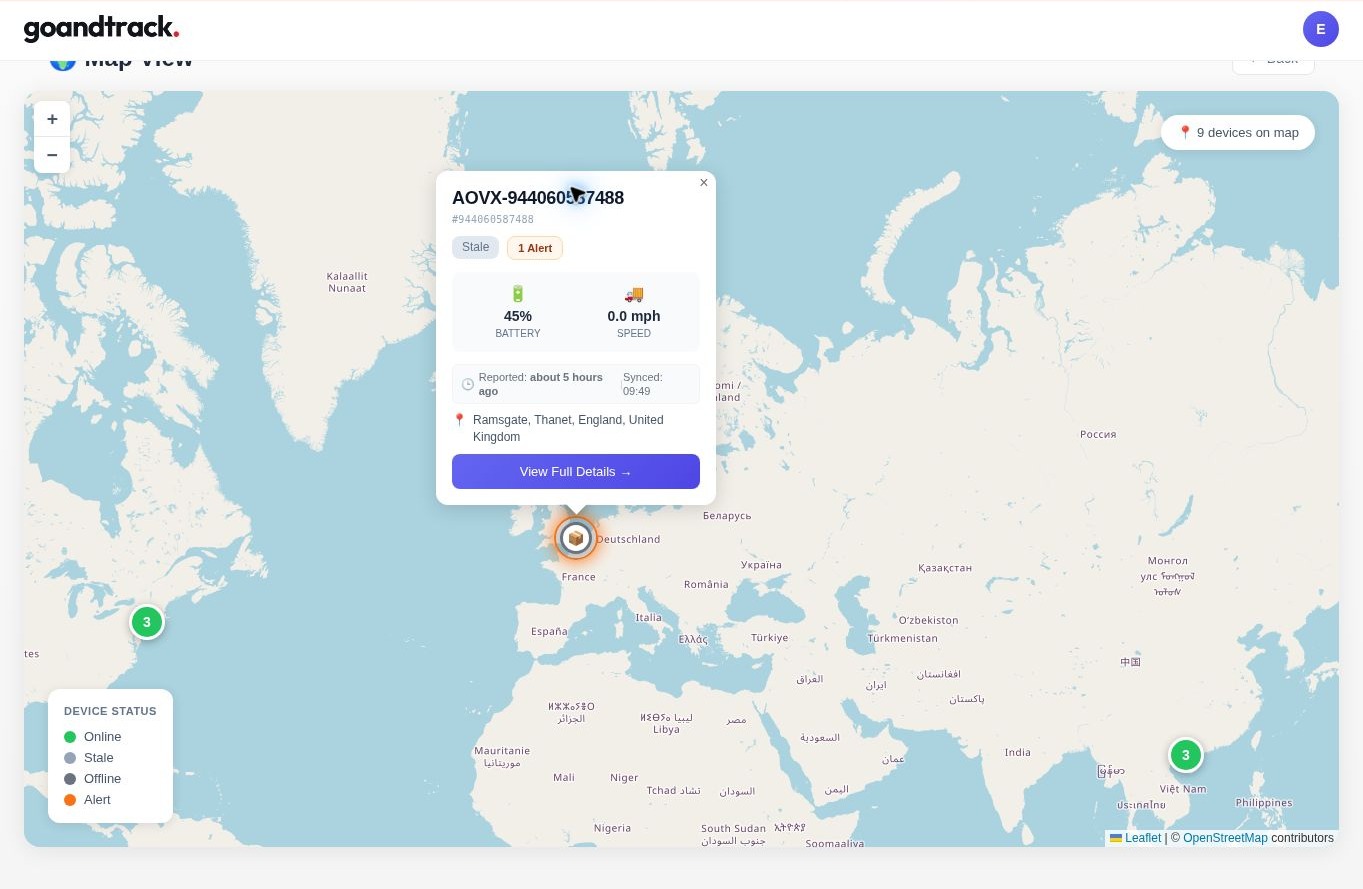
From fleet overview to device-level detail.
Filter the device estate, identify stale or at-risk units, then open a device to review its current position and latest telemetry.
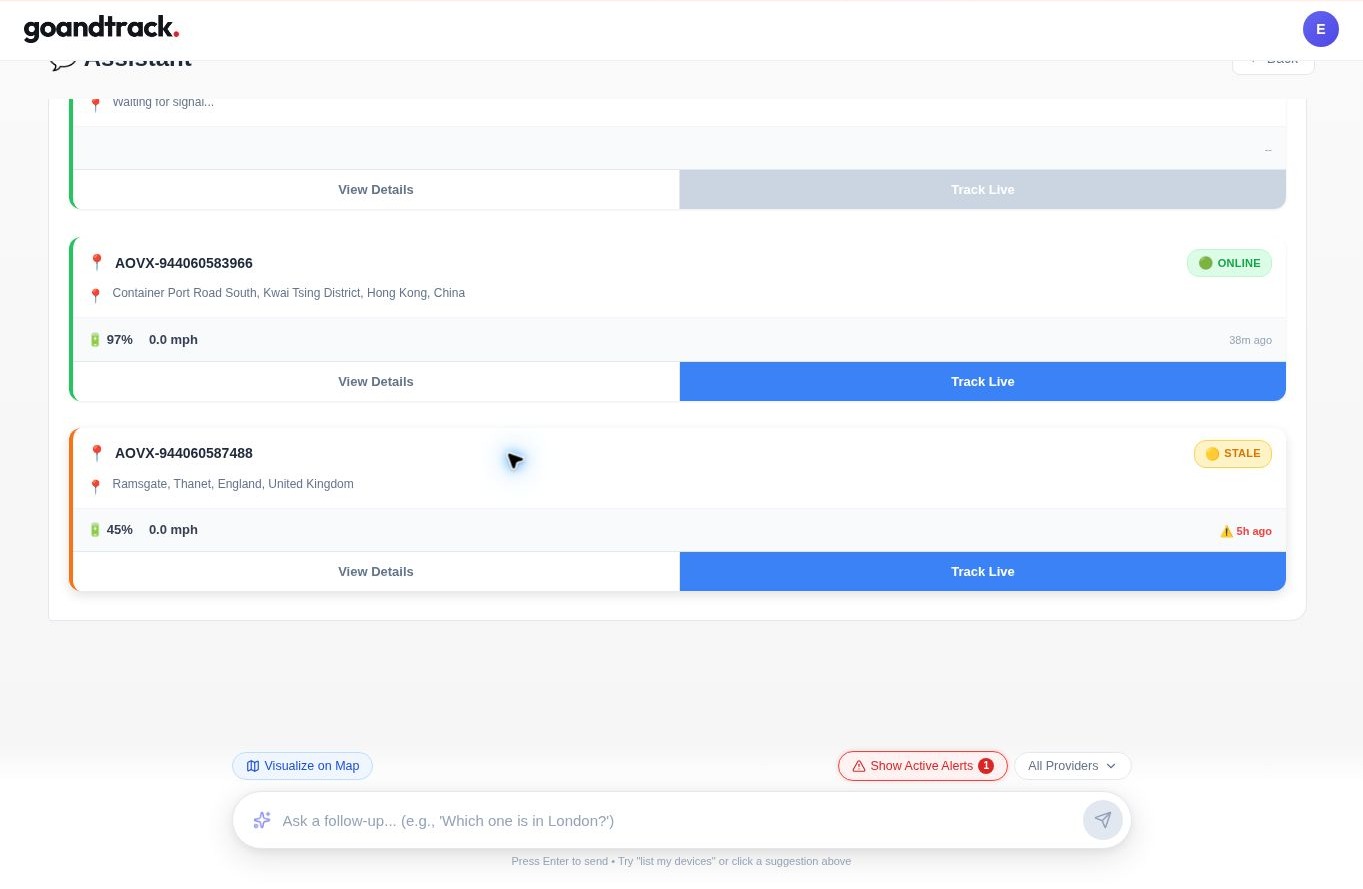
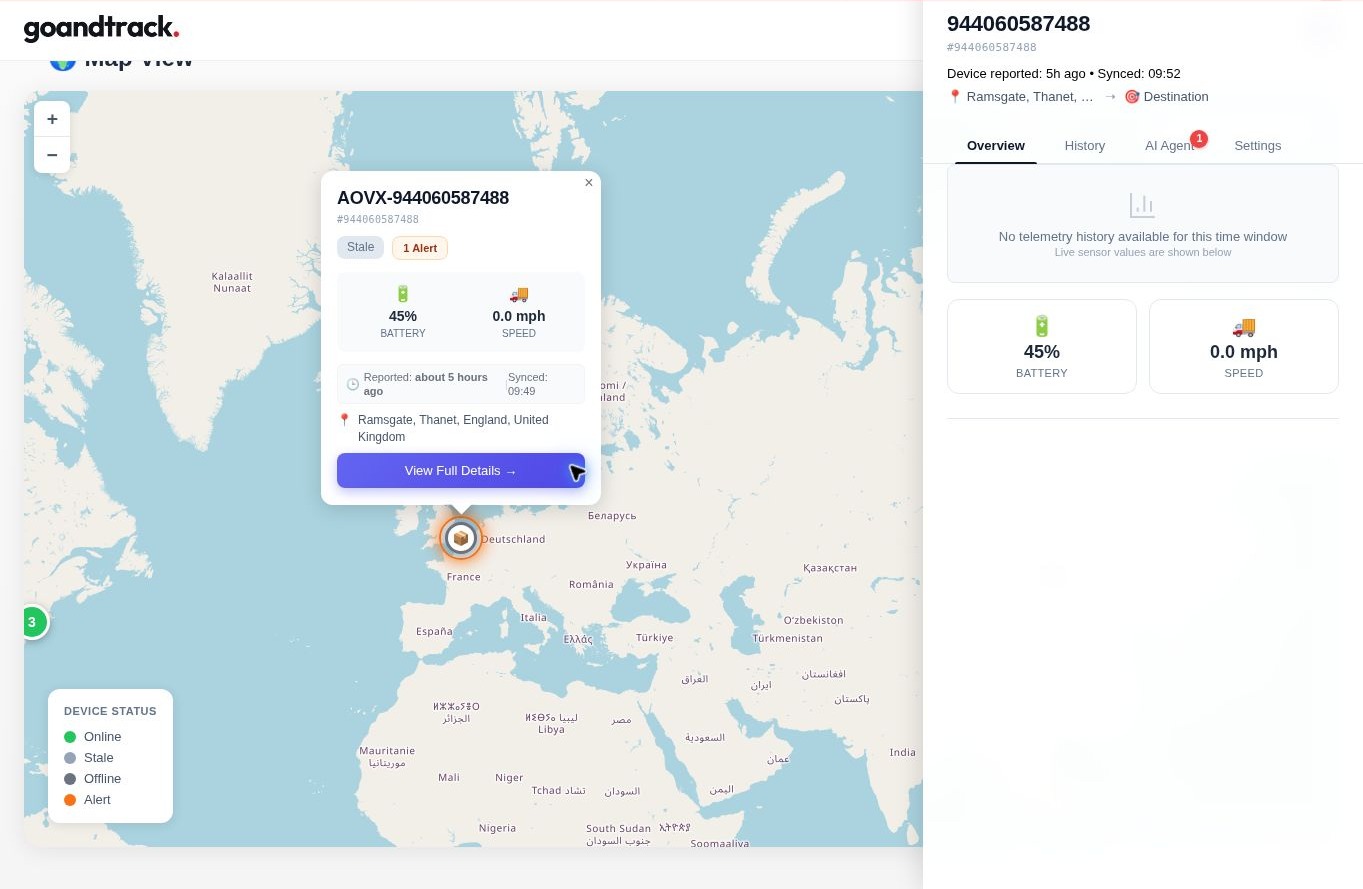
Your devices, your providers — unified.
GoAndTrack works across the providers you already use, and the ones you're evaluating. No vendor lock-in, no rip-and-replace.
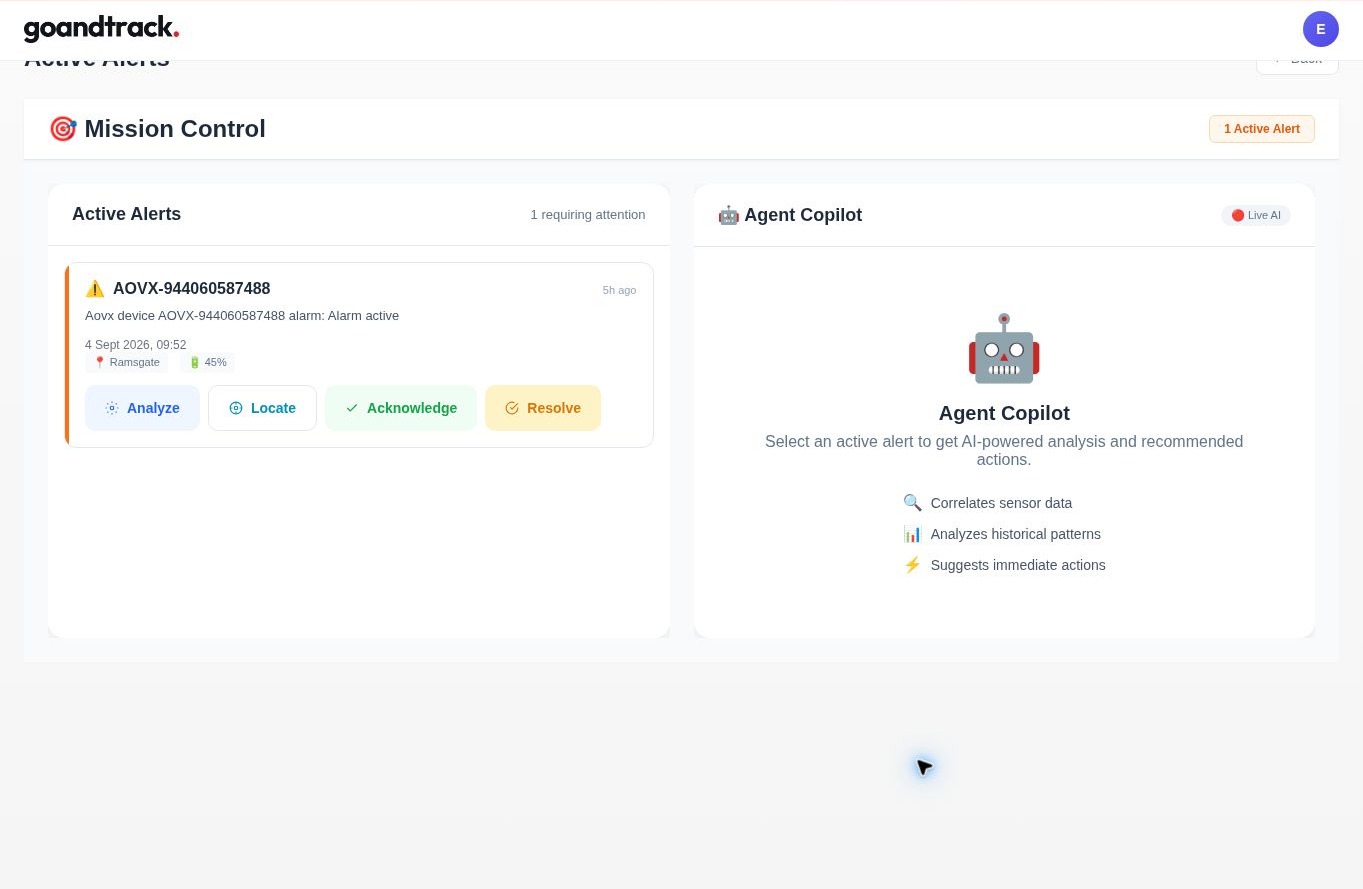
Mission Control for exception handling.
When something goes wrong, Mission Control puts the active exceptions in priority order and keeps the device context beside them.
- Active alerts prioritised in one panel
- Device and location context attached to each exception
- AI-assisted analysis alongside the operational alert
- Acknowledge or resolve through a controlled workflow
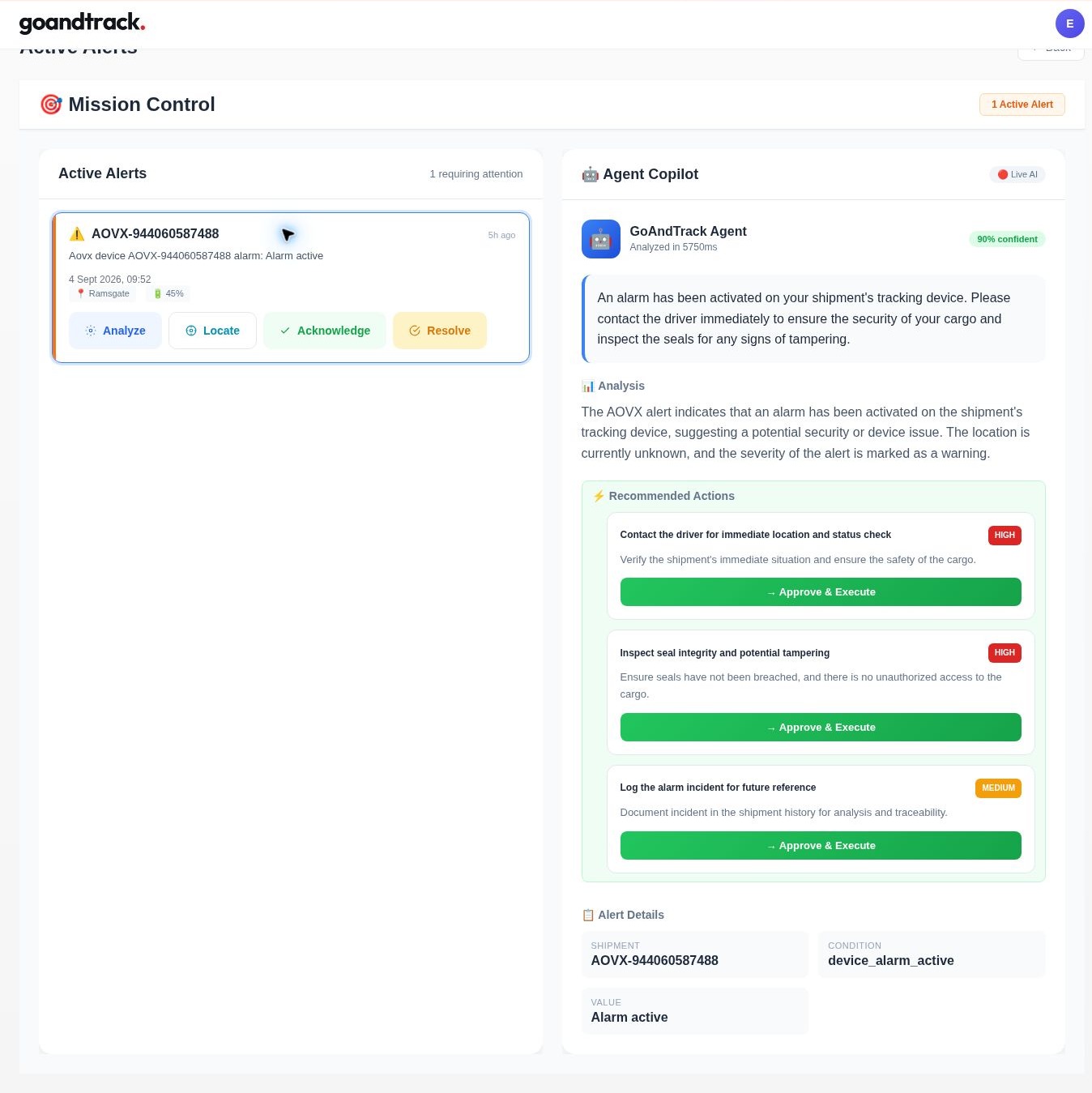
AI-assisted investigation — your team still decides.
Agent Copilot reads the alert and the device evidence, sets out what it found, and suggests next actions with a confidence indicator. It supports the investigation; it does not resolve exceptions on its own.
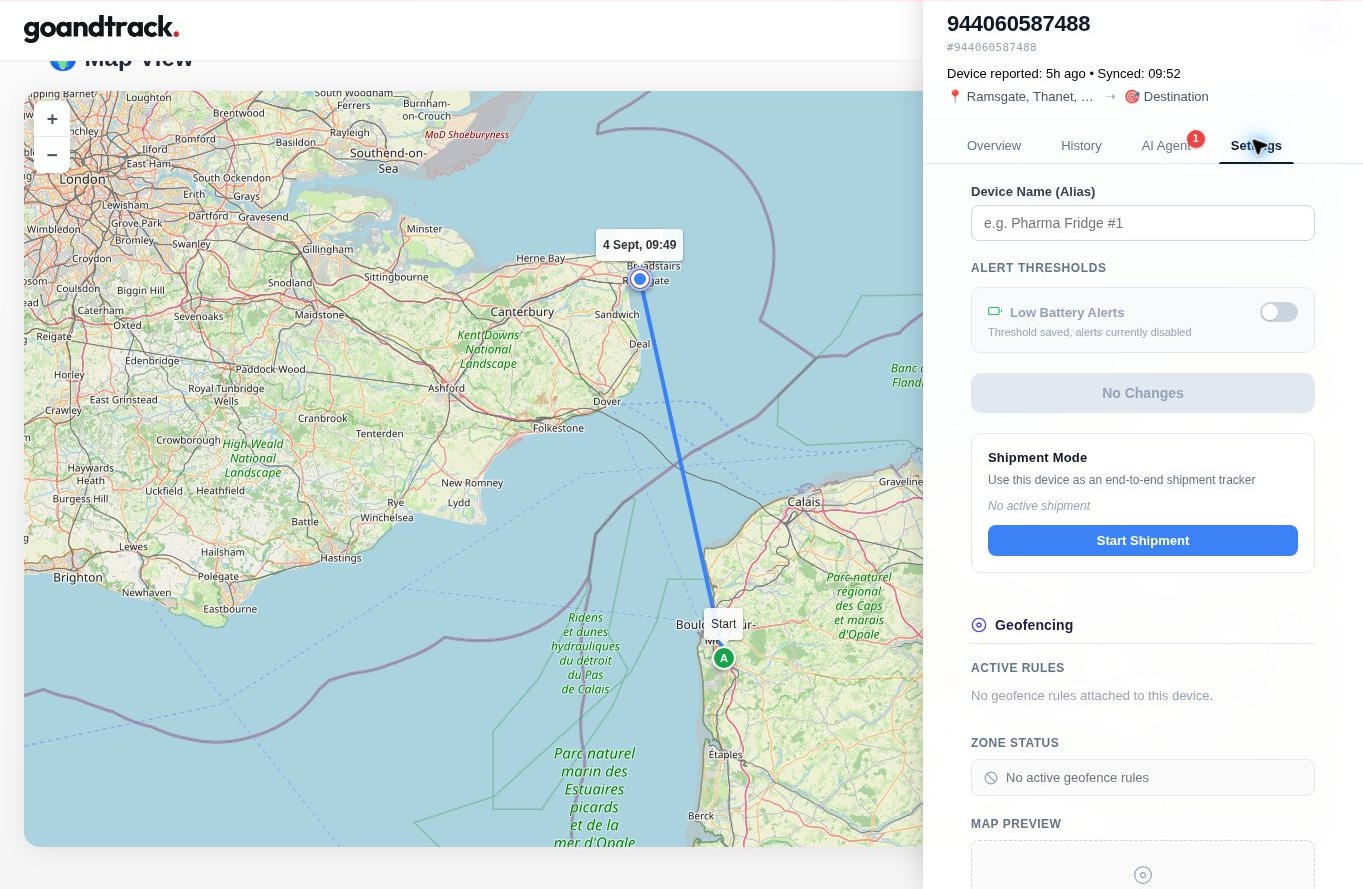
Set up each device the way operations needs it.
Give a device a readable alias, set the alert thresholds that suit what it is carrying, and switch on shipment mode when the device is following a specific consignment.
- Device alias for names your team recognises
- Per-sensor alert thresholds
- Shipment mode controls on the same screen
- Settings live on the device record, not a separate tool
Multi-tenant, multi-provider, multi-team.
Multi-tenant access
Separate tenants for your team and partners — with the right scope of data.
Role-aware permissions
Assign roles so each user sees only what they should.
AI-enhanced workflow
AI-assisted alert analysis and investigation, without leaving your operational view.
Ready to see GoAndTrack on your shipments?
Book a 30-minute walkthrough, or start a pilot with your own devices.