
History
Replay the journey. Prove what happened.
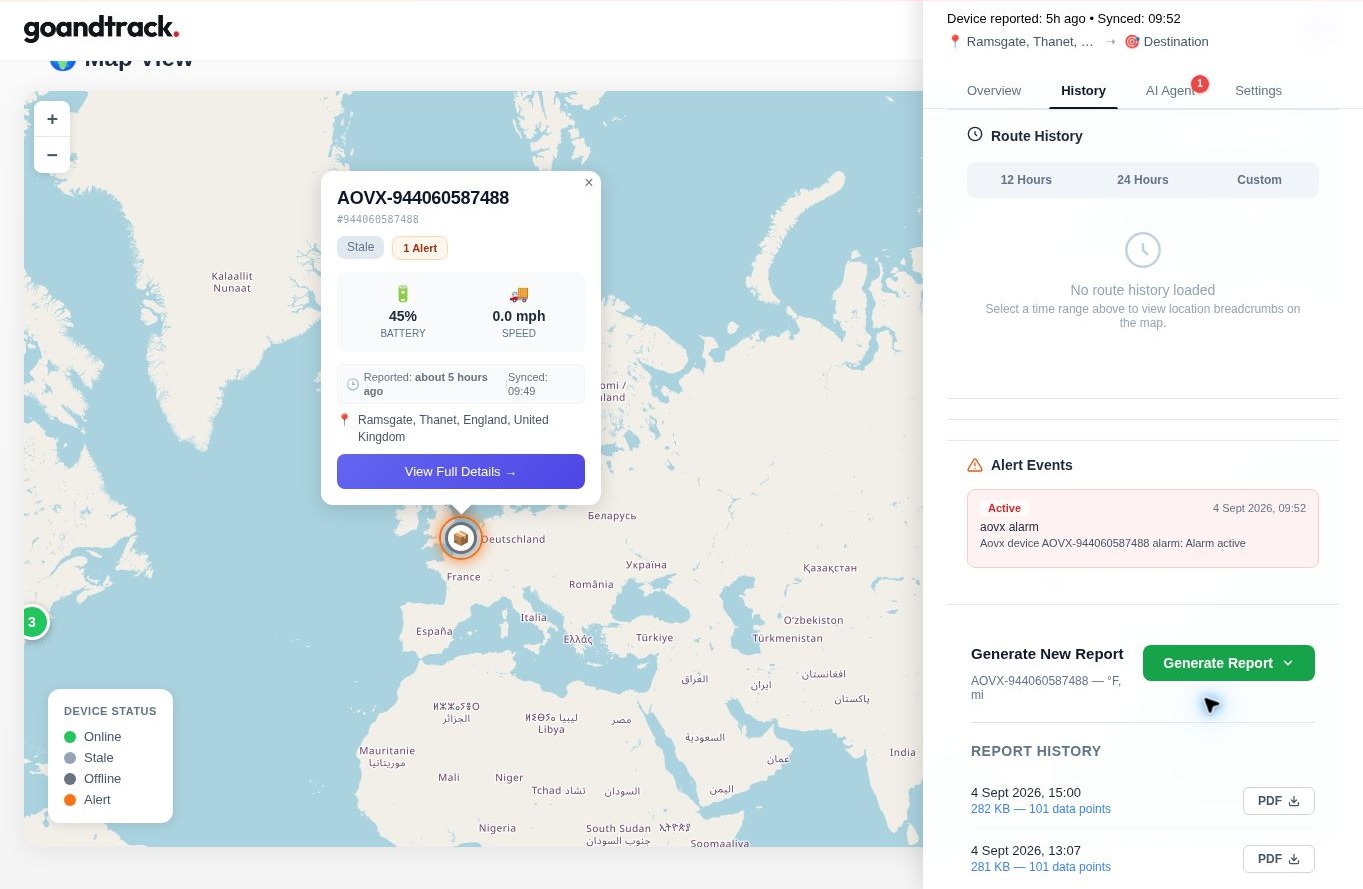
Device and route history over any time window — breadcrumb trails, alert events and exportable reports your operations and compliance teams can rely on.
Capabilities
Find what happened, when it happened.
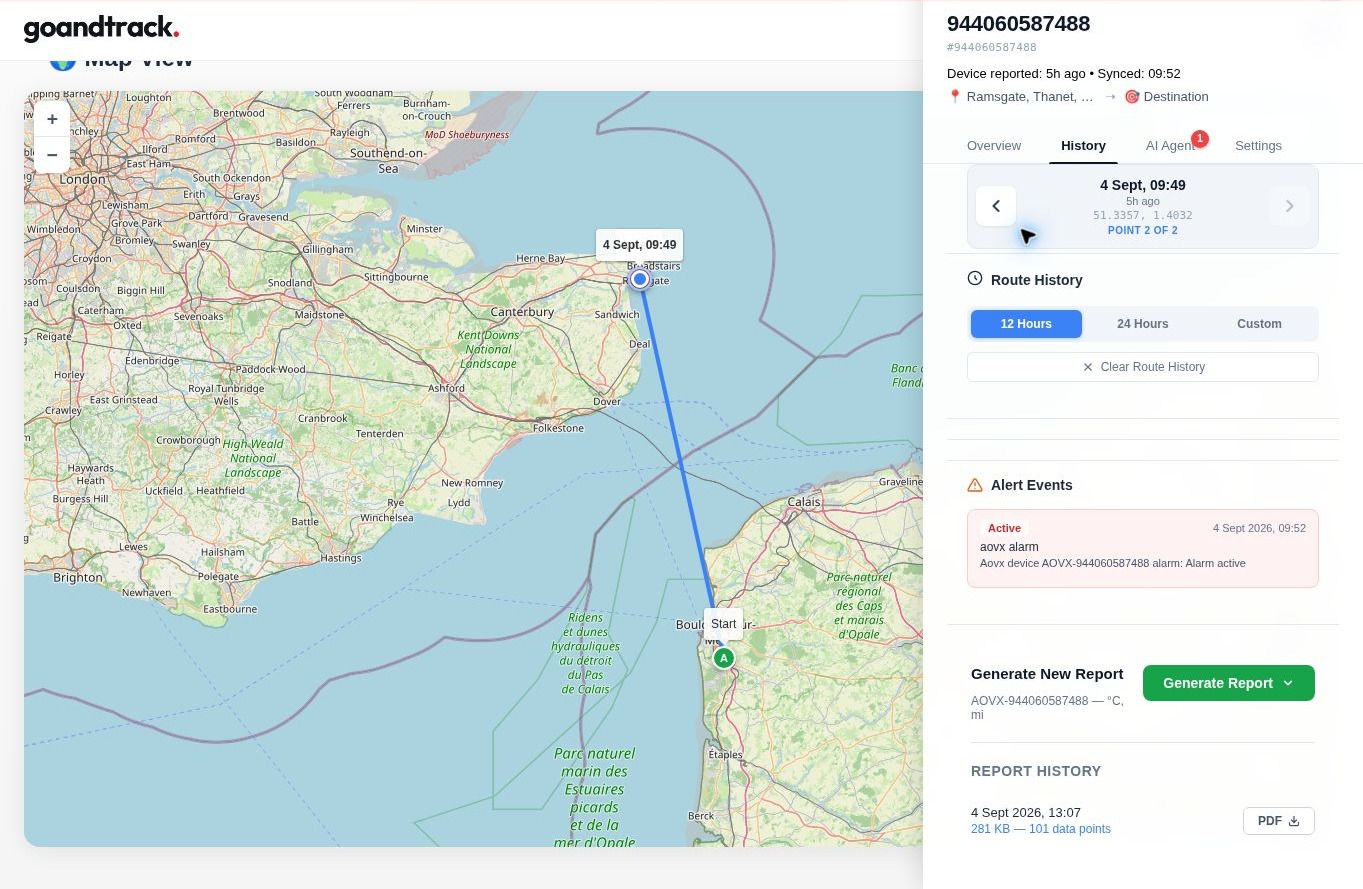
- Breadcrumb route history over recent or custom time windows
- Alert events recorded against the device timeline
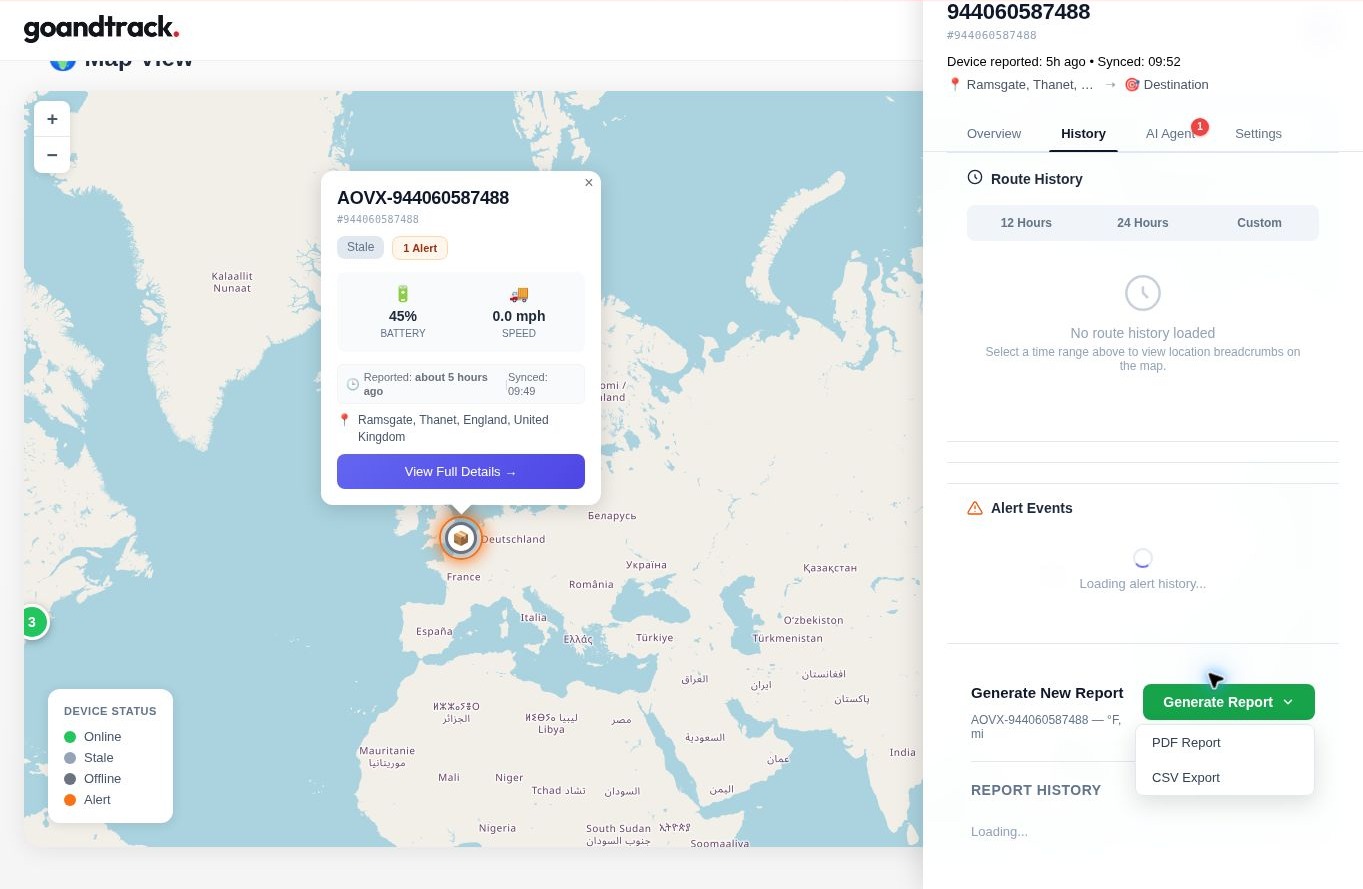
- PDF and CSV exports for the selected reporting window
- Report history retained for later download
Time ranges
Recent history, or exactly the window you need.
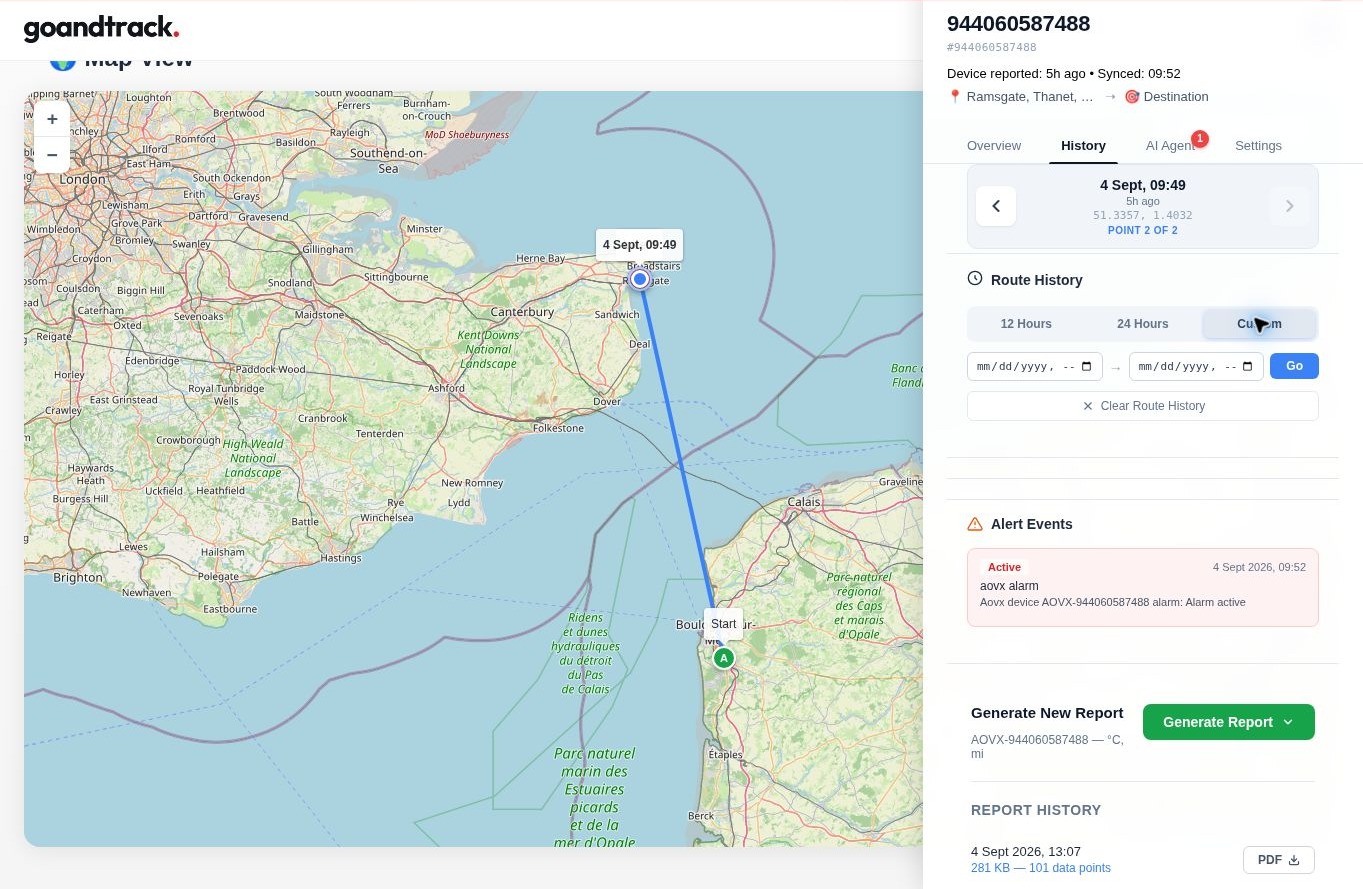
Switch between 12- and 24-hour views for a quick check, or set a custom date range to reconstruct a specific journey or exception.
Device history
One workspace for the device timeline.
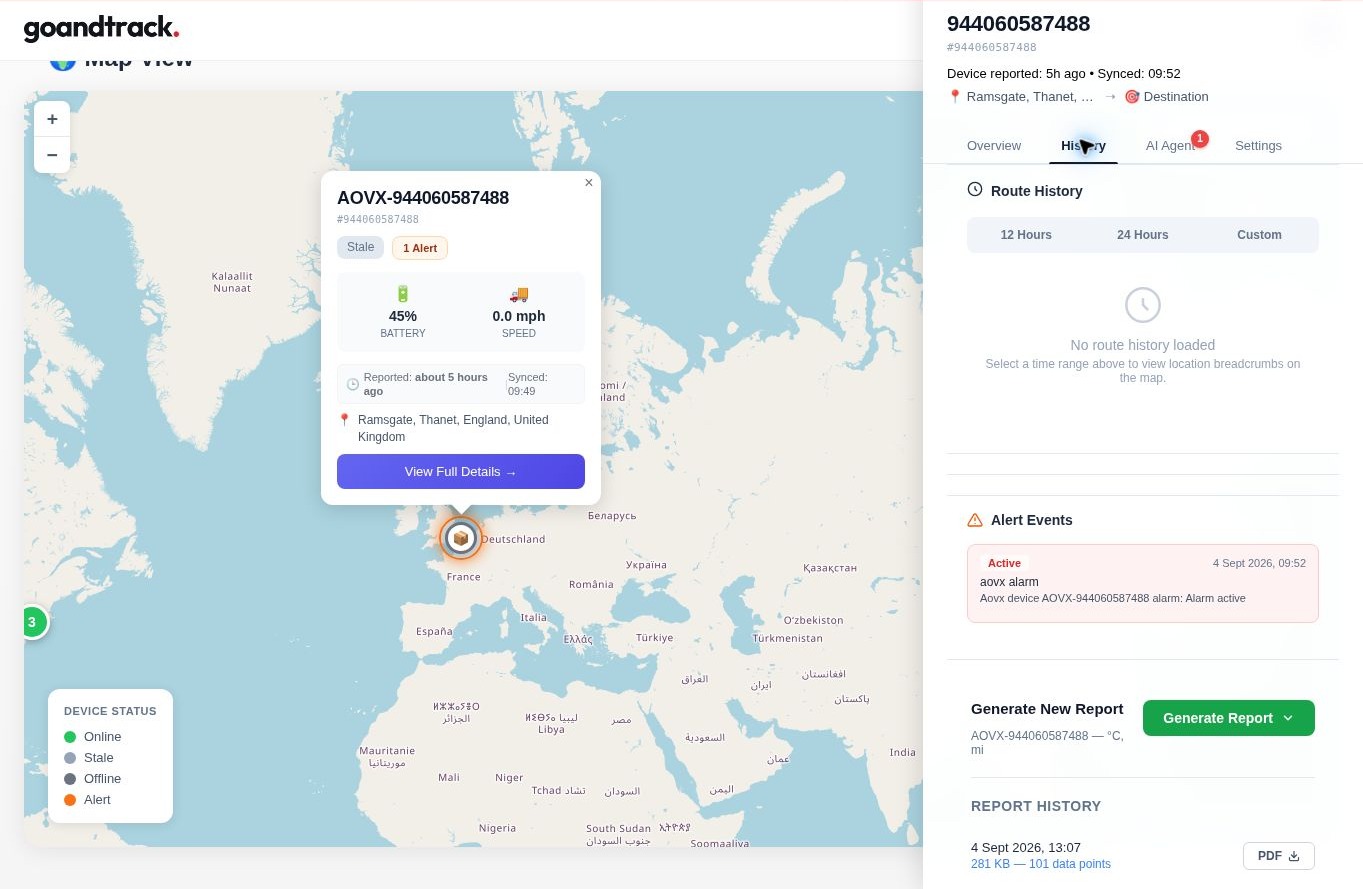
Route history, alert events and generated reports sit together on the device record, so an investigation doesn't mean jumping between tools.
Reporting
Export the window operations, customers or compliance ask for.
Evidence
Audit-ready evidence, not just dots on a map.
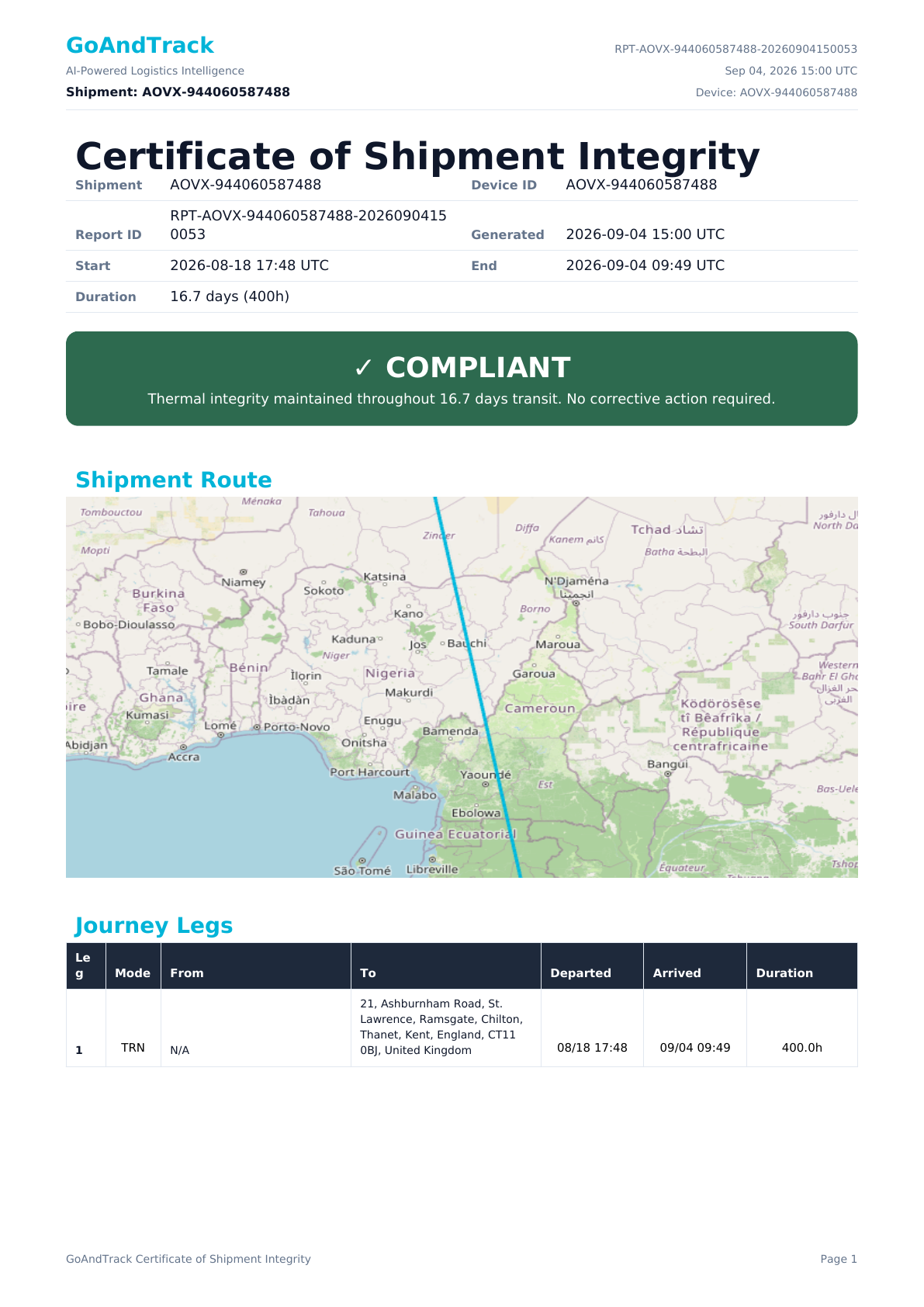
A generated report bundles route, alert and telemetry evidence into a single document you can hand to a customer, an auditor or an insurer.
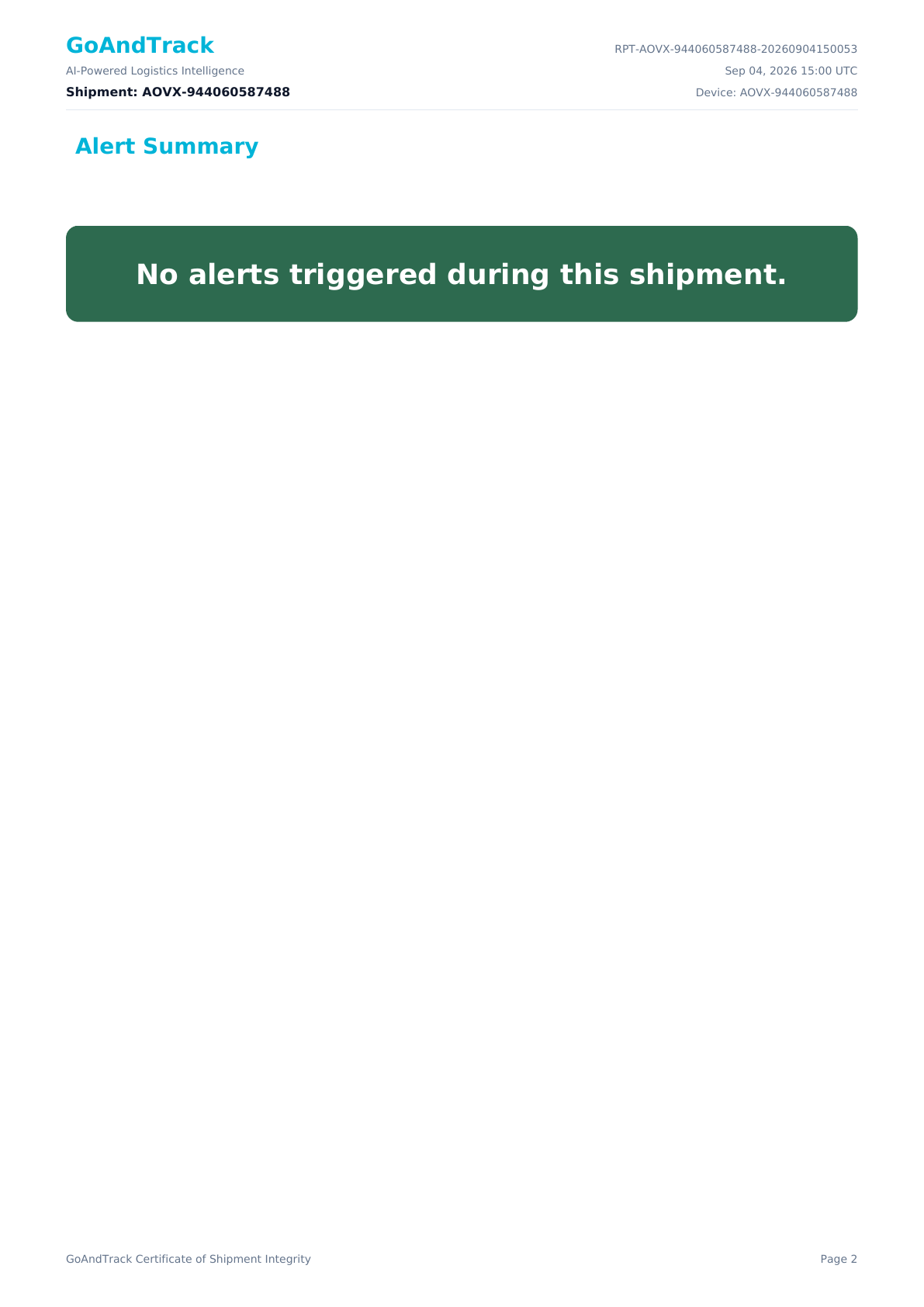
Alert summary for the selected reporting period. 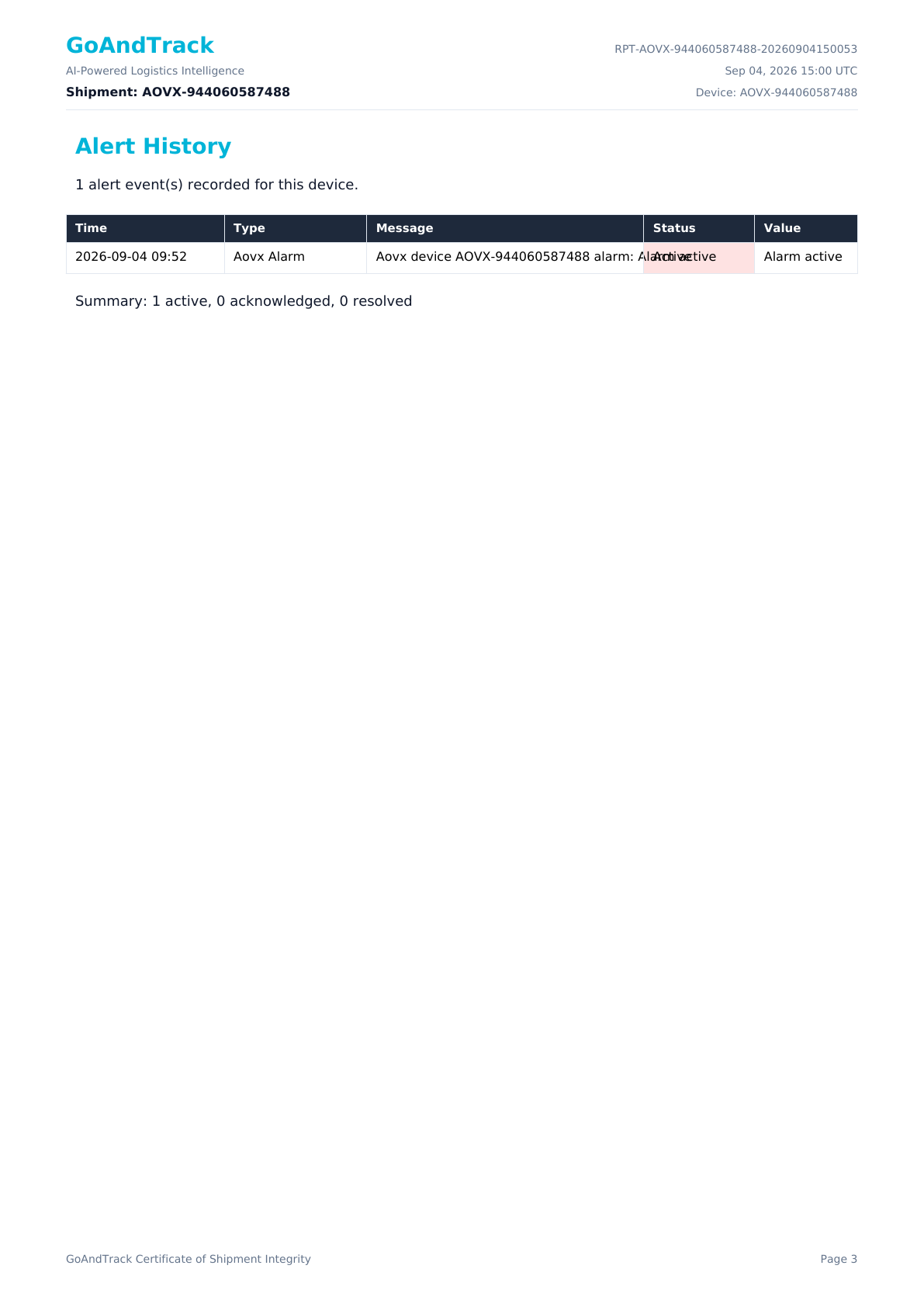
Detailed alert history and lifecycle evidence. 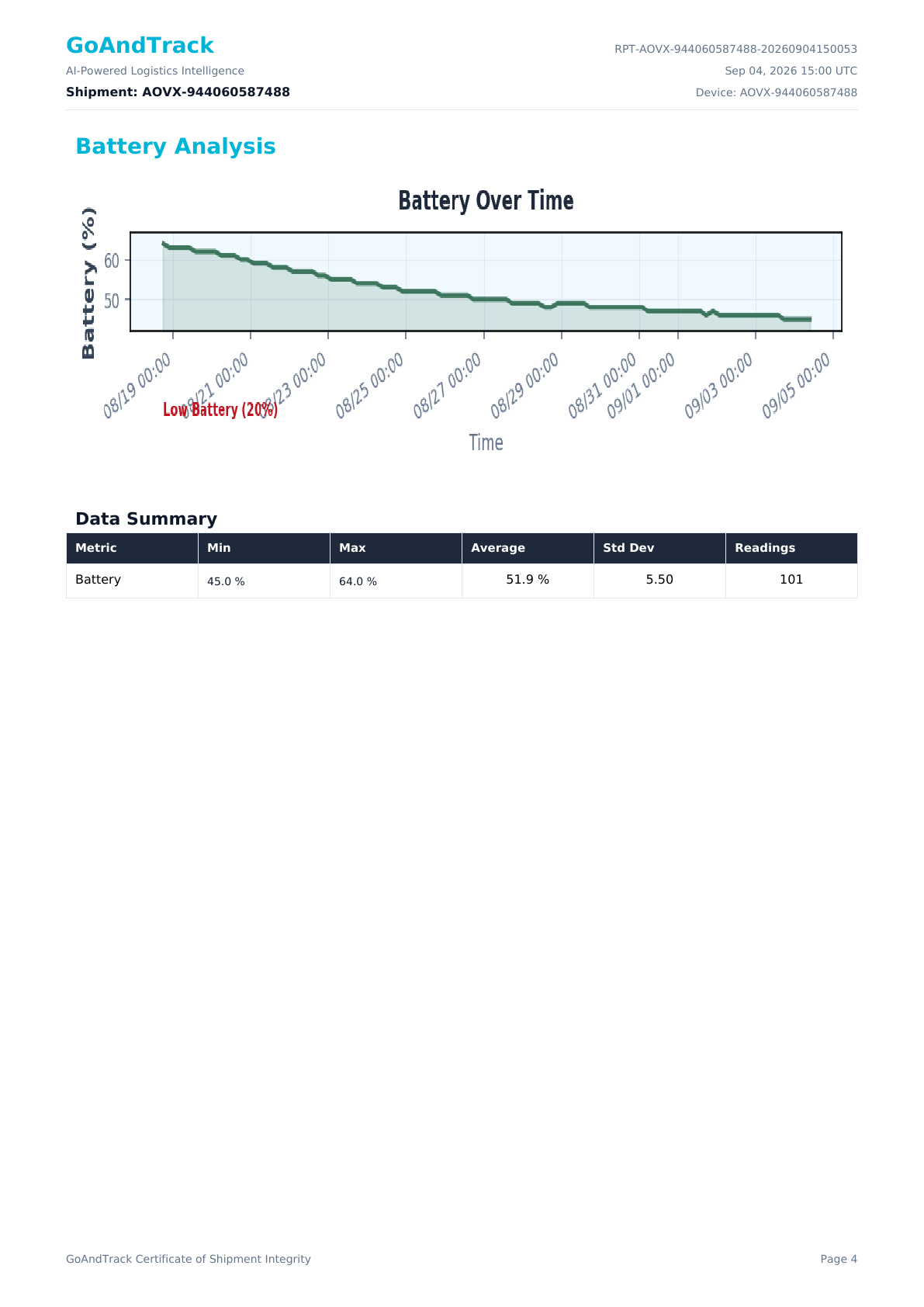
Battery analysis across the reporting window. 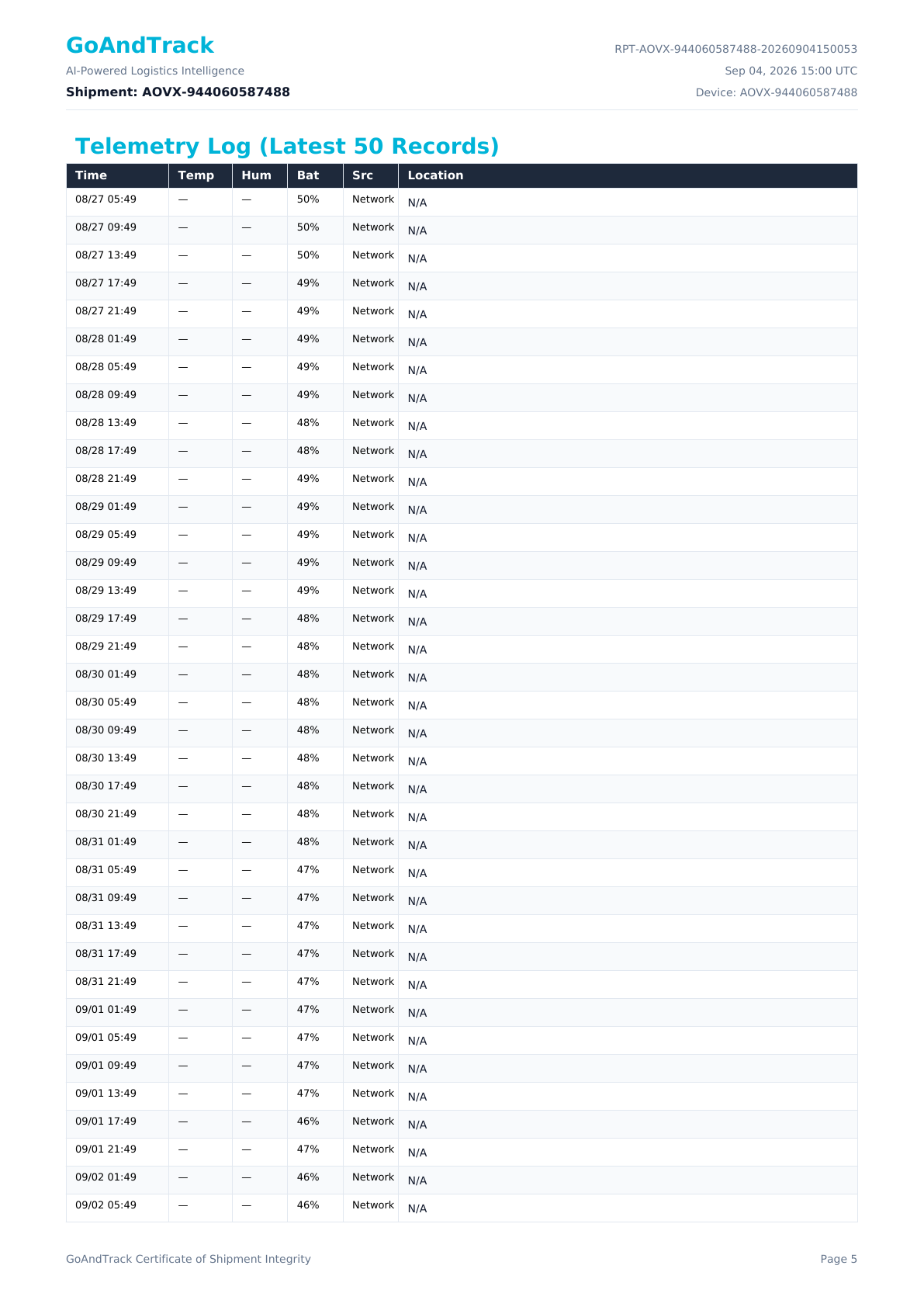
Timestamped telemetry log, page one. 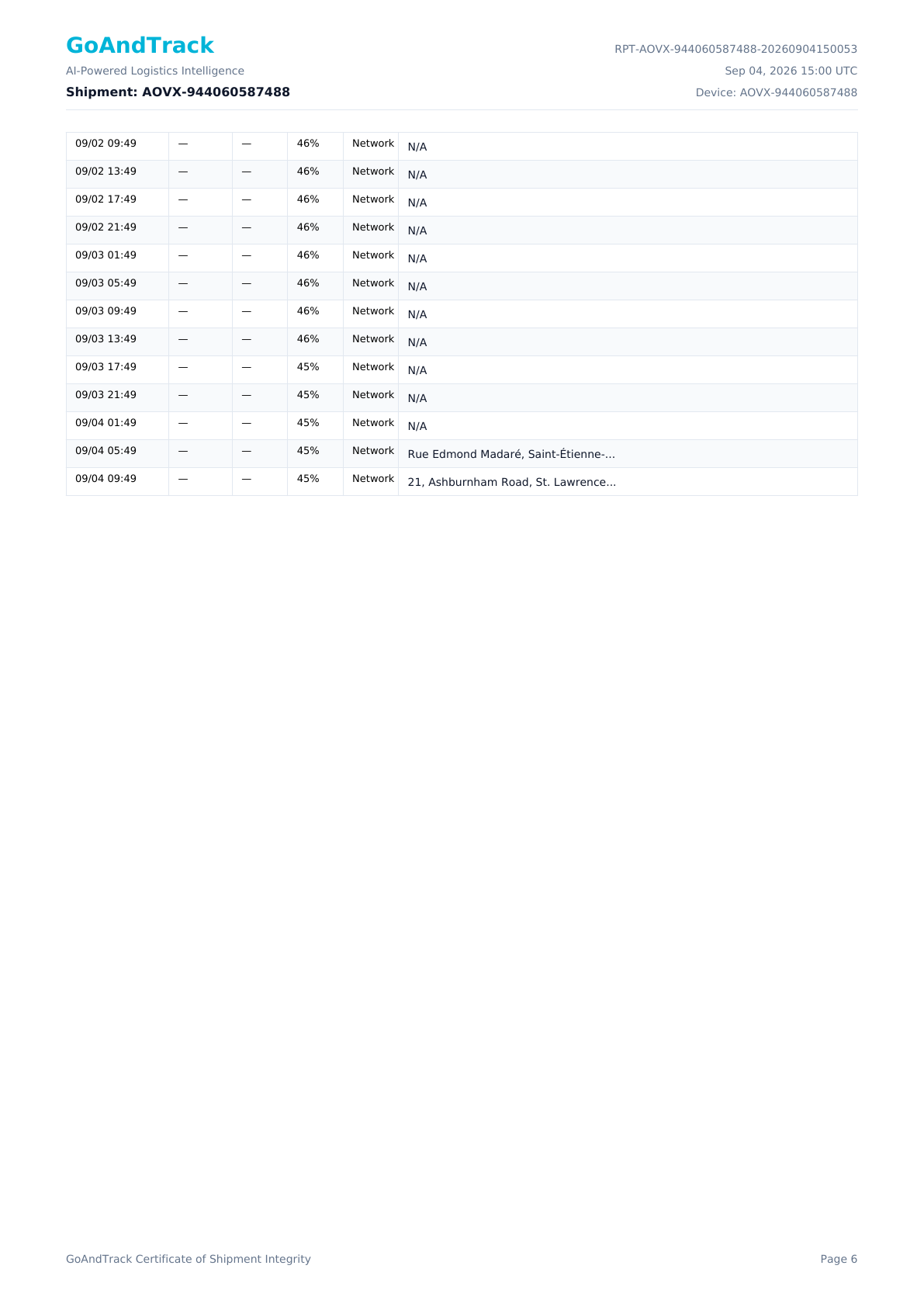
Timestamped telemetry log, page two.
Ready to see GoAndTrack on your shipments?
Book a 30-minute walkthrough, or start a pilot with your own devices.